
← Back to the blog 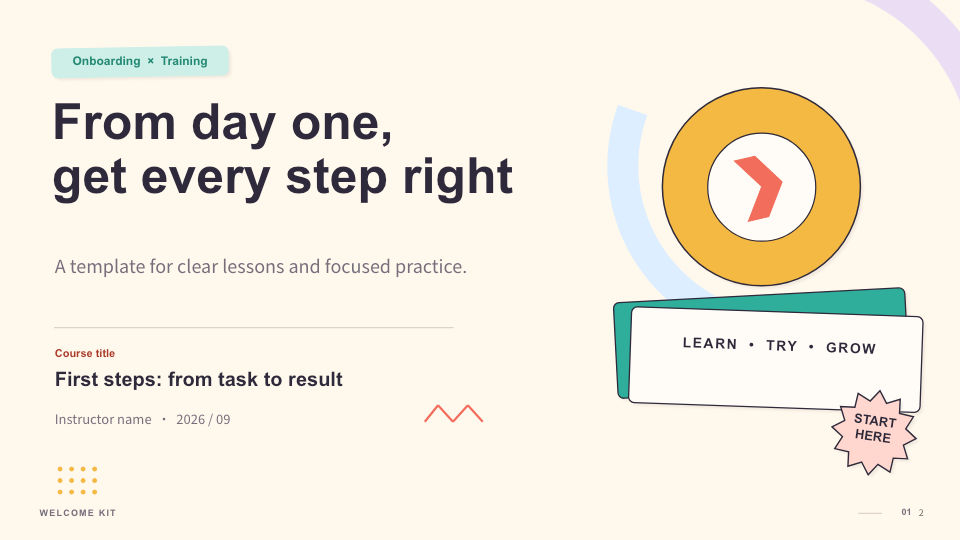
Make NotebookLM (Gemini Notebook) slides editable
In a NotebookLM (now Gemini Notebook) export, each slide is an image. Open it in PowerPoint and you can’t click into the text; you can only replace the whole picture.
1. Export as PDF
In NotebookLM (Gemini Notebook), download the presentation as a PDF.
2. Upload to Dock
Go to AI-made slides to editable, sign in to Dock and upload the file. Up to 30 slides at a time.
3. Check the conversion result
Each block of text becomes a text box that keeps its size and position. The font is swapped for the theme’s, and you can change it back in the side panel. The result tells you how many text regions were left in the image, so you can fill them in yourself.
4. Download
The presentation is saved to your Dock, and you can download it as PPTX, Keynote or PDF.