
Start your presentation from a template
Preview a template, then say in one sentence what you want to make. After you sign up, pick the same template under "Templates" in Dock and carry on there.
Start making a presentation in DockSign up free when you use a template or send a request, and get 400 AI credits. Free generates up to 5 slides per run.
Pick a template
Click a template to see every slide, and if you like it, click "Use this template". 16 of the 34 presentation templates in Dock are listed here, and there are story and square post sizes too.
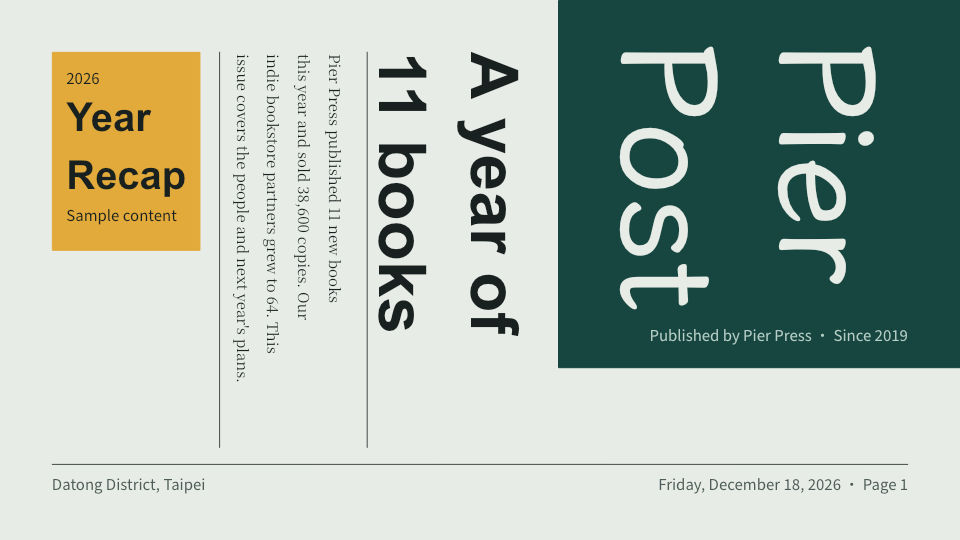 Year in review Portfolio & events · 12 slides
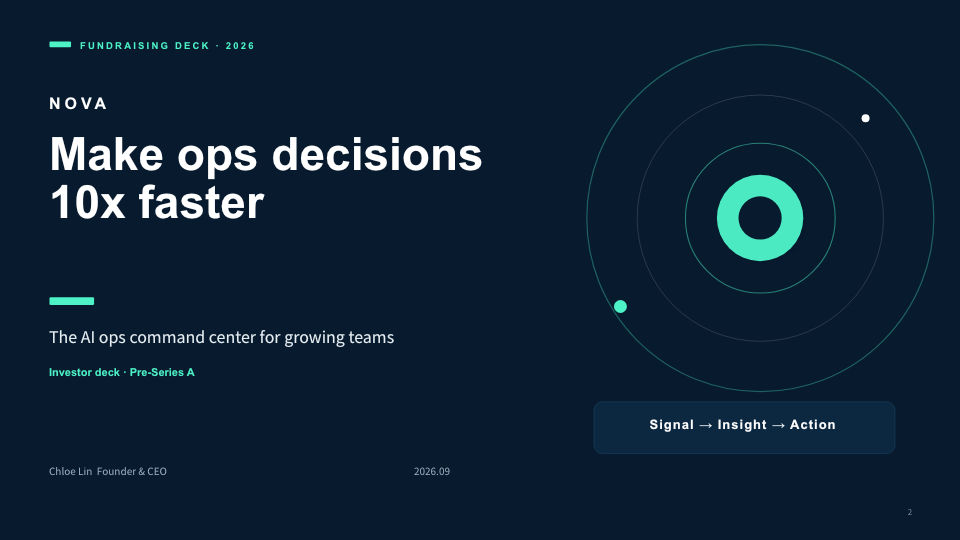 Pitch & fundraising Proposals & pitches · 12 slides
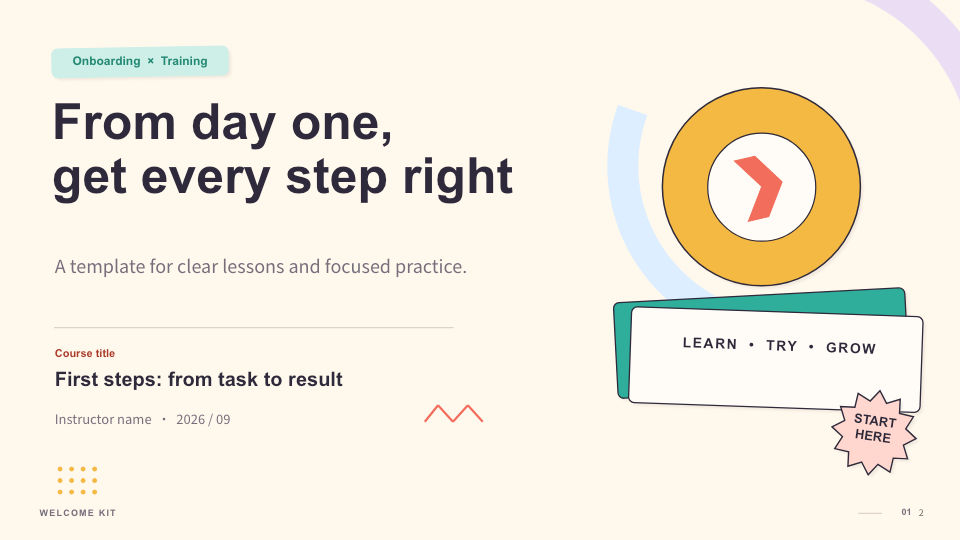 Onboarding & training Team & meetings · 12 slides
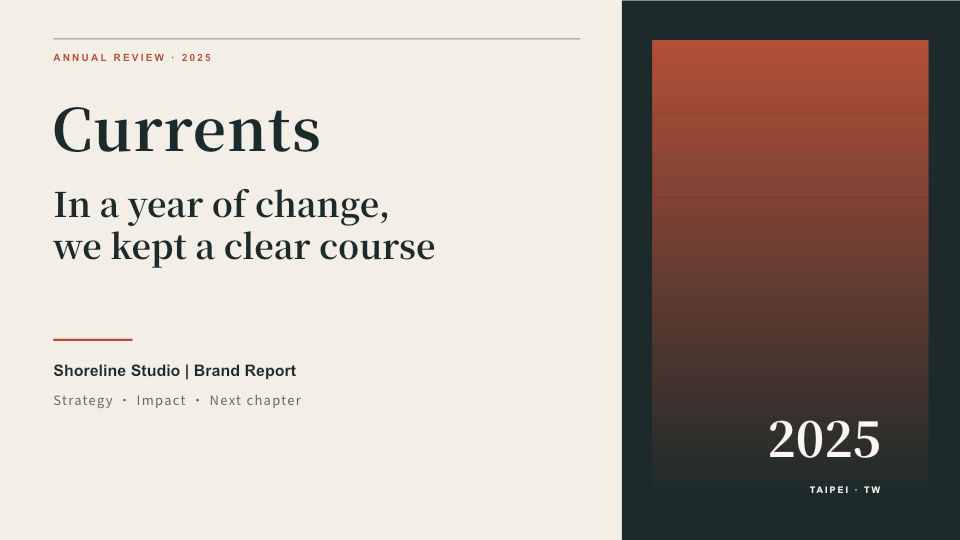 Brand & annual report Business reports · 12 slides
 Interior portfolio Portfolio & events · 12 slides
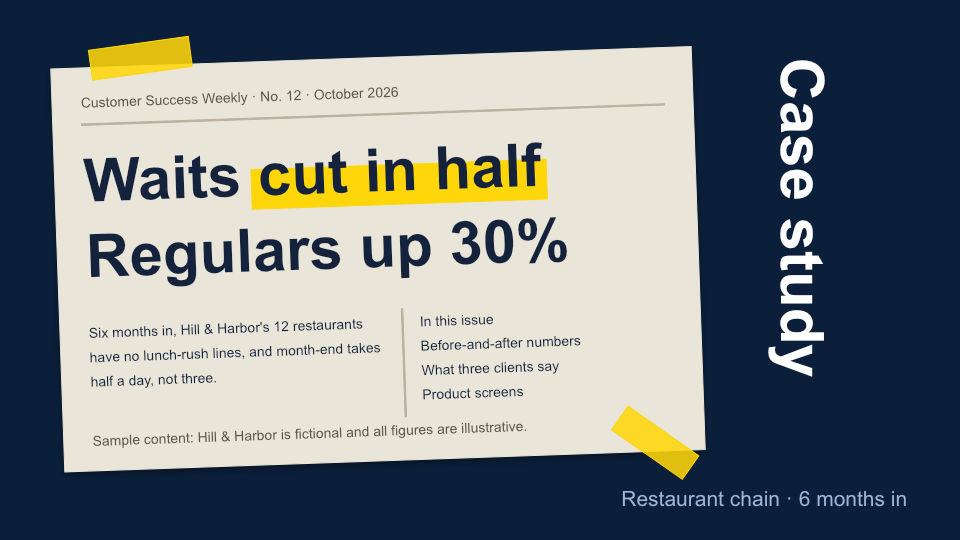 Customer success story (front page and clippings) Proposals & pitches · 12 slides
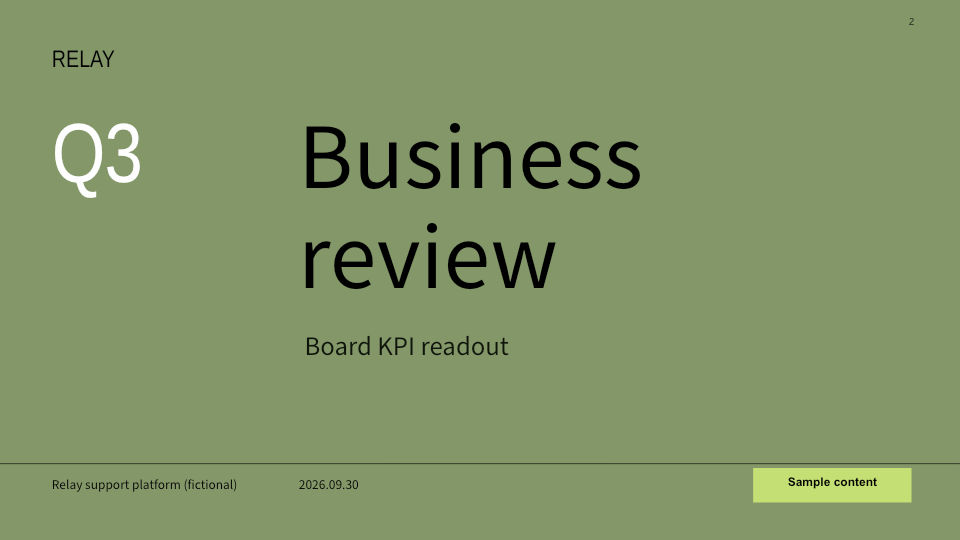 Quarterly KPI report Business reports · 11 slides
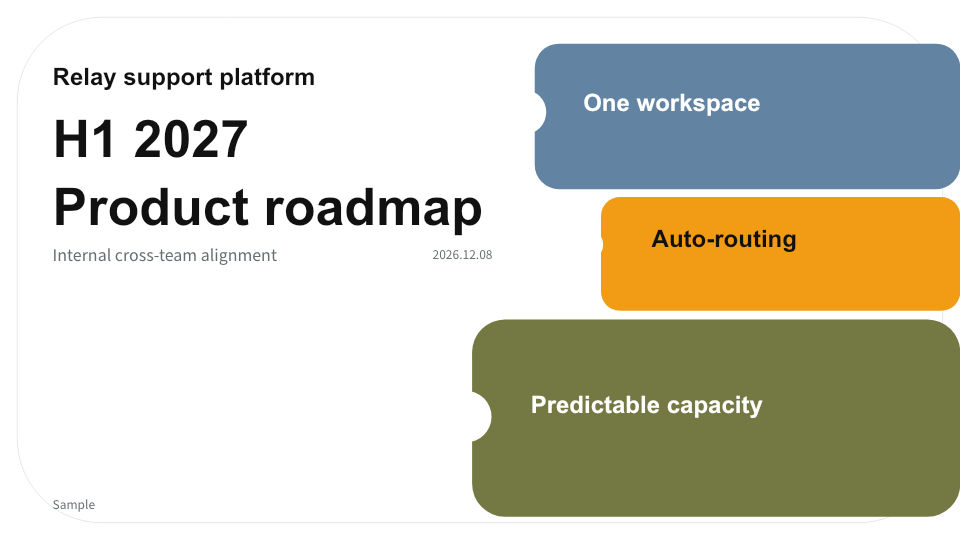 Product roadmap Proposals & pitches · 11 slides
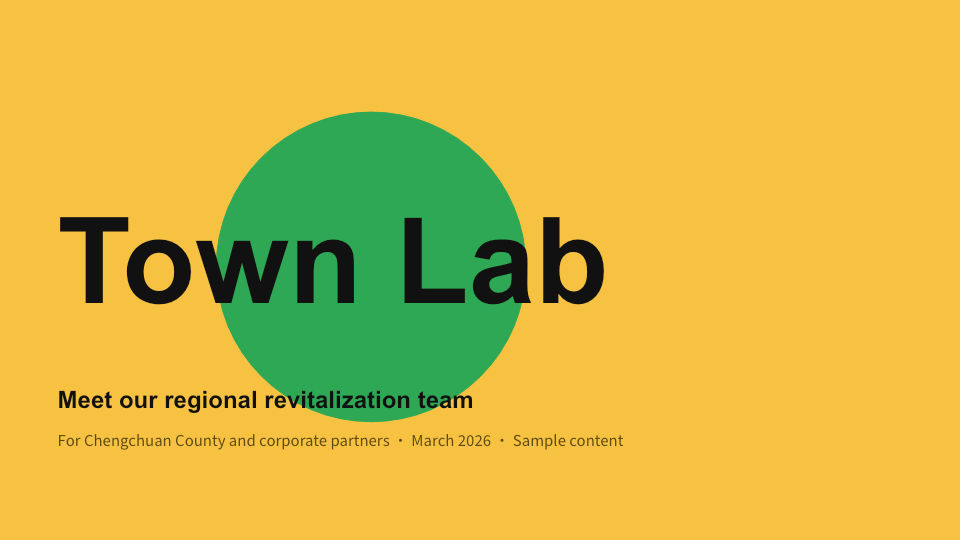 Team introduction Team & meetings · 11 slides
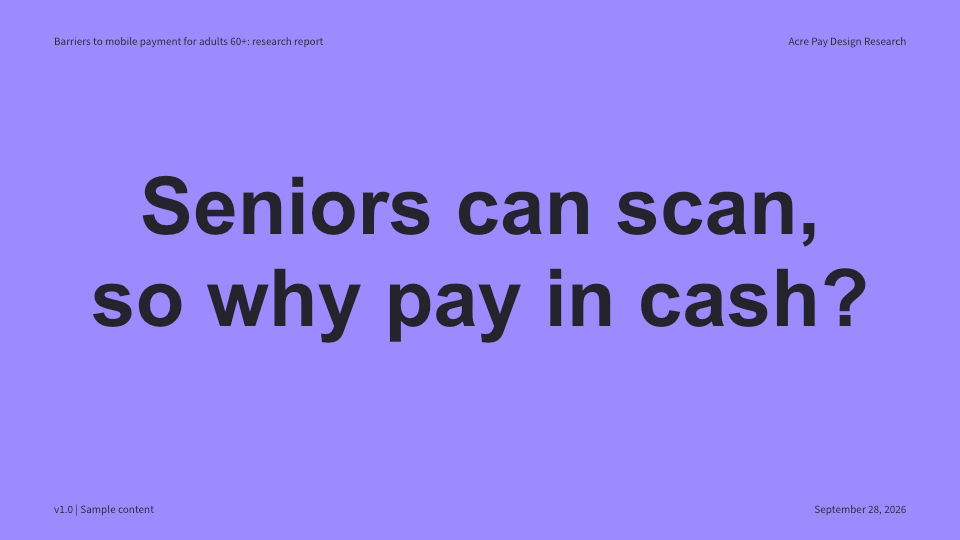 User research report Team & meetings · 11 slides
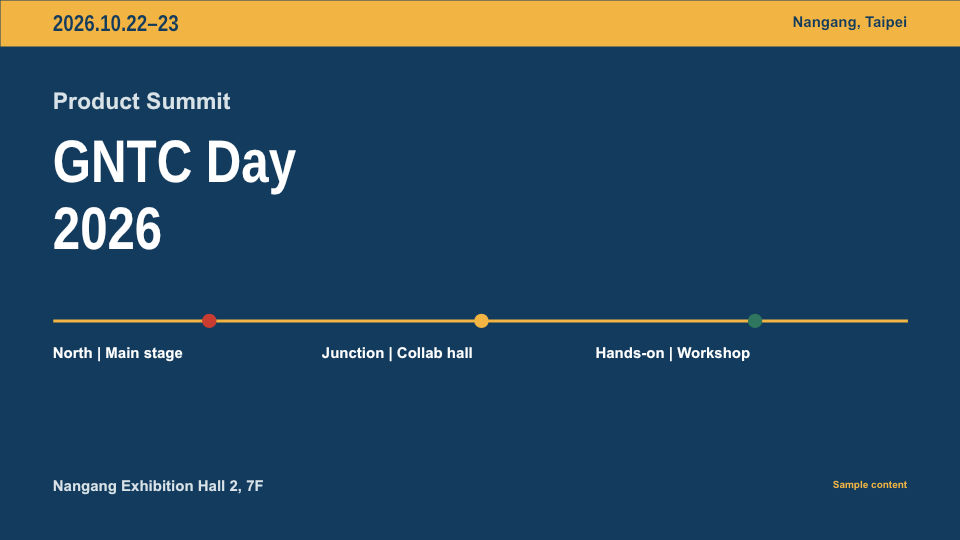 Event agenda Portfolio & events · 12 slides
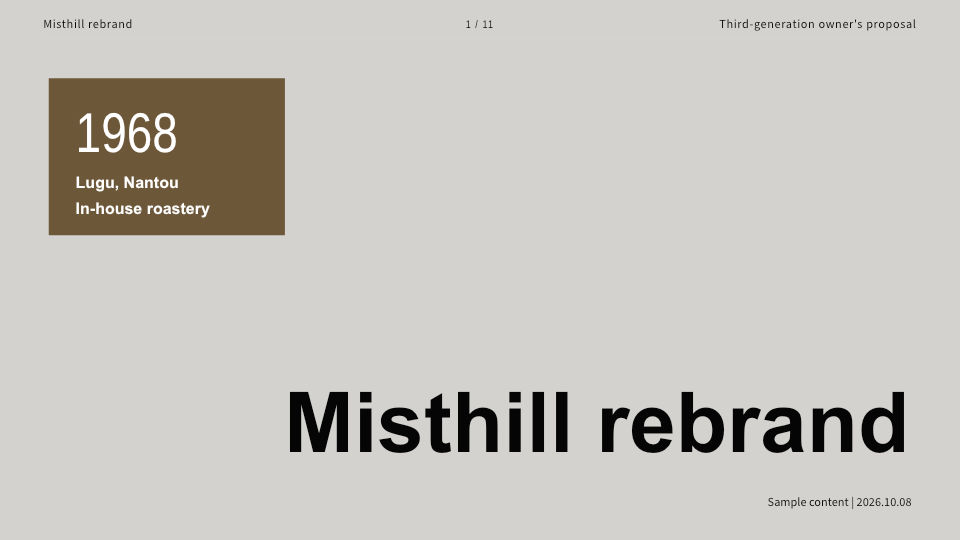 Brand refresh proposal Proposals & pitches · 11 slides
 All-hands meeting (sports-day scoreboard) Team & meetings · 12 slides
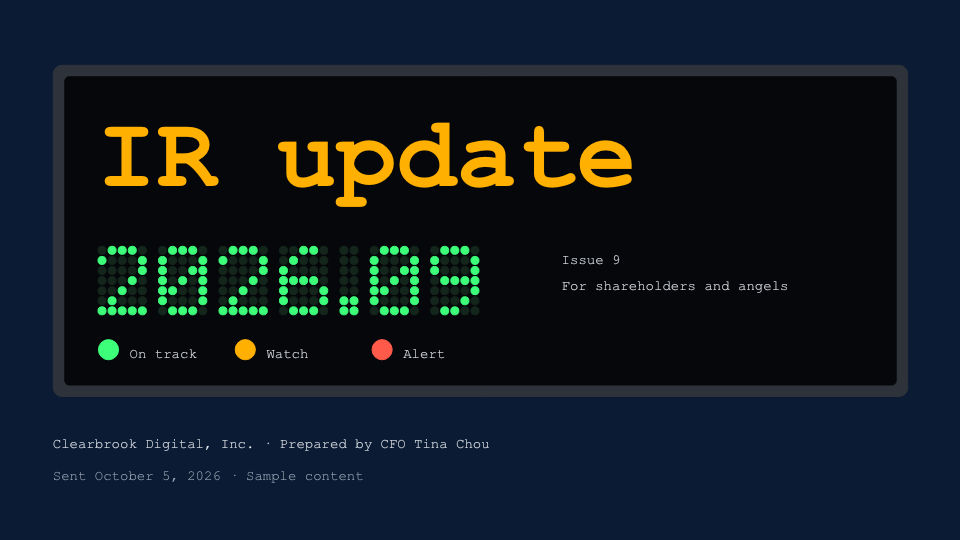 Investor monthly update (LED board) Business reports · 12 slides
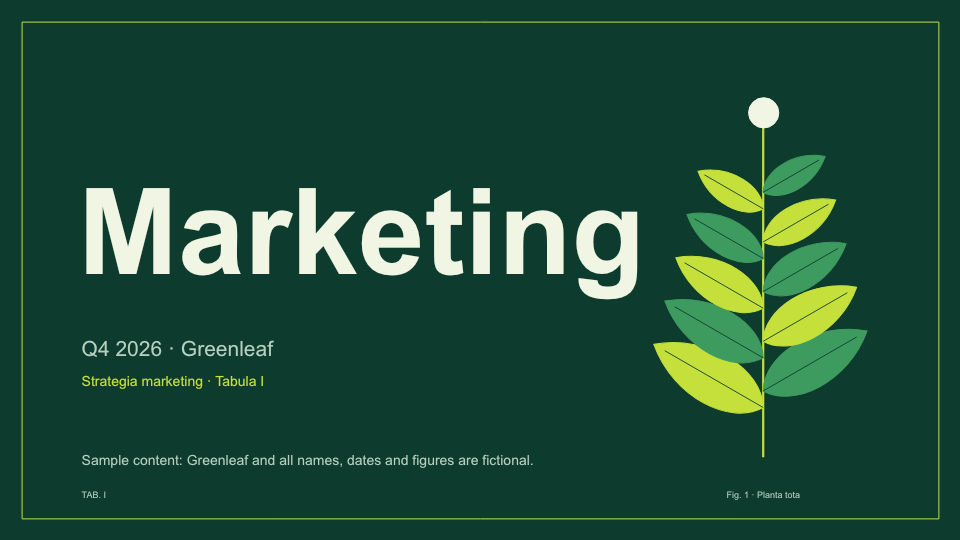 Marketing strategy (botanical field guide) Proposals & pitches · 12 slides
 Night Data Business reports · 7 slides
Pick one and put your content in
Each of the 34 templates has its own layouts and colors. Pick one, say what you want in one sentence, and the agent fills in the content.
Use this onePreview every slide
34 templates in 16:9, most with 11 to 12 slides. Preview them slide by slide before you use one.
Keep the layout, swap in your content
After you pick a template, describe the presentation you want. The agent keeps the template's design and replaces the content with yours.
Your own agent works too
On Plus and above, once you sign in with a personal access token, you can read and write presentations and documents through MCP or the command line. How to connect
- Brand kitSave your company's colors and fonts, and apply them when you make a presentation.
- Asset libraryIcons and illustrations in 18 styles, including hand-drawn notes, isometric, paper cut, watercolor and pixel art.
- Video export1080p, in 16:9, 9:16 or 1:1.
- AI imagesMissing a picture? Generate one and drop it into the layout.
Three steps
- 1
Preview a template, or describe the presentation you want.
- 2
After you sign up, pick the same template under "Templates" in Dock.
- 3
Say in one sentence what you want to make, and the agent builds it.
Frequently asked questions
Which templates can I choose from?
There are 34 templates in 16:9, grouped into proposals and pitches, business reports, team and meetings, and portfolio and events. There are also 8 each for stories (9:16) and square posts (1:1). Most have 11 to 12 slides.
Which templates come with each plan?
Free includes Dock's basic templates, and Plus and above add advanced templates. You can upload your own templates: 1 on Free, 5 on Plus, 100 on Business. See the comparison table
Does Free generate a full presentation?
Free generates up to 5 slides per run, and also stops when the 400 AI credits you got at sign-up run out; paid plans generate more slides per run. You need to sign up before you use a template or send a request; then pick the template again under "Templates" in Dock and say what you want.
Can I use my own agent?
Yes, on Plus and above. Dock provides an MCP endpoint and a command-line tool. Once you sign in with a personal access token, agents such as Claude Code can read and write presentations and documents.
What can I export to after generating?
PPTX, Keynote (.key), PDF, PNG, a web page (.html), Google Slides and 1080p video. Free includes 3 exports a month, and downloaded files have no watermark.